
Data modeler

Not just the workflow. The whole application behind it.

With the data modeler, you build the data, user interfaces and logic along with it. On a visual canvas or in a conversation with your AI assistant.

Two ways in, one application

Canvas tables, fields and relations in a few clicks
AI assistant Claude, Codex & co. through an open interface
Your application
  • Data
  • Interfaces
  • Logic
One package
Production with preview

Your data at a glance

Tables, fields and relations sit on a clear, visual canvas. You see how your data fits together and change it in a few clicks.

Labels are maintained in several languages, selection lists centrally in one place.

Build applications in conversation

Through an open interface (MCP), AI assistants such as Claude or Codex work directly in the platform. You say what you have in mind – the application takes shape in the dialogue.
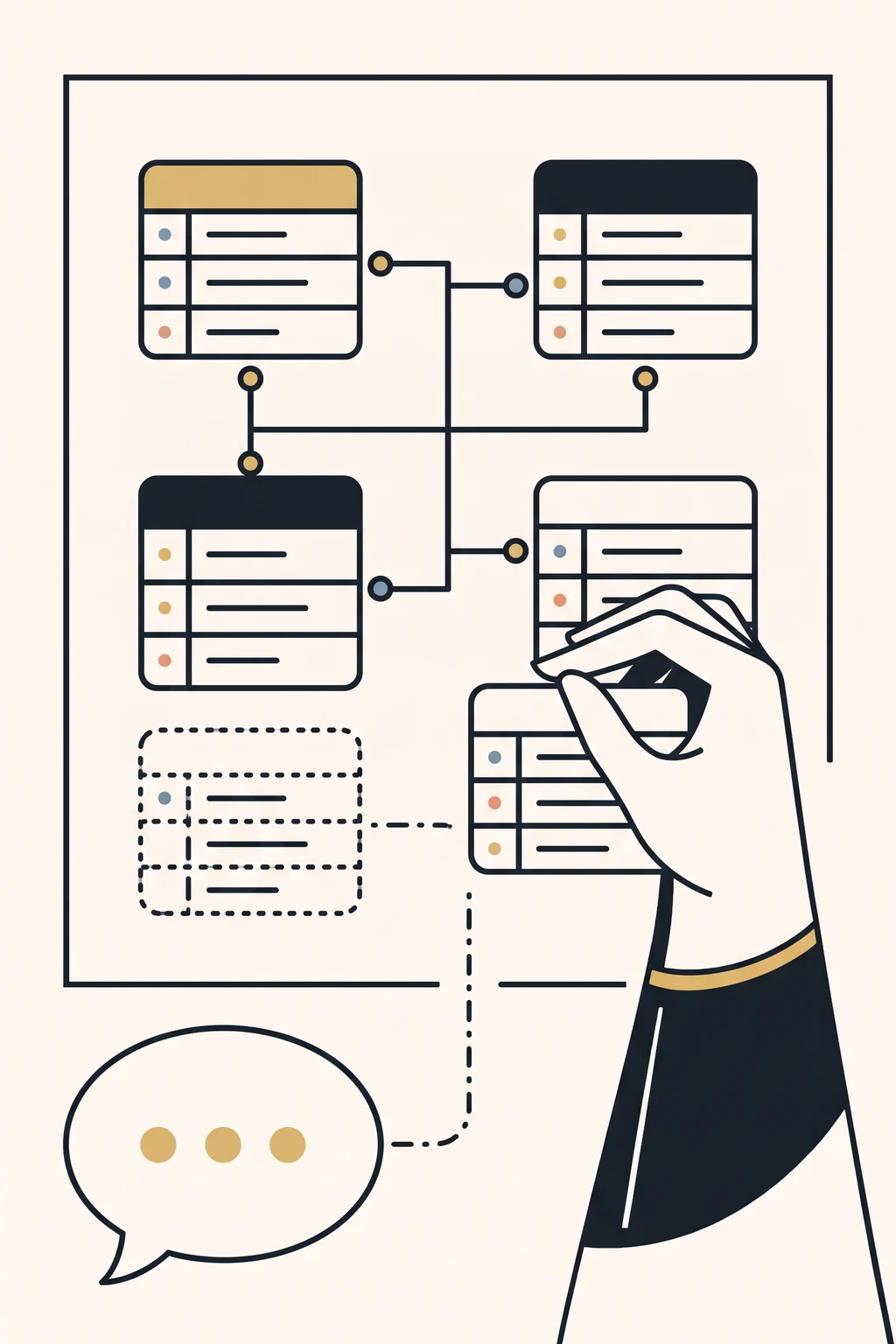
Illustration: data tables connected by lines on a canvas. A hand places a new table, while another one, still dashed, emerges from a speech bubble.

Data for your processes

The AI creates suitable tables and connects them to your workflows.

Your own interfaces

From a single form component to a complete application. Your components run directly in process forms or as a menu item of their own for your staff.

Logic in the background

Server-side functions are created on request, too.

Try it straight away

New components are ready in your test environment as soon as they are done.

Guardrails, not sprawl

The AI works by clear rules.

Check first, then create

Before the AI creates anything new, it checks what already exists.

Every change traceable

Changes to the data model are traceable and deployed safely – even when the tables already hold data.

Licences checked

Third-party components are automatically checked for permitted licences.

Safely into production

One package

Workflows, data models and components go into one package together.

Deploy with preview

You deploy the package to your production system with a preview.

Permissions per group

For each group, you decide who may only view data and who may also edit it.

Business, IT and AI on one shared canvas.

Challenge us.

Send us a complex process. It does not have to be your internal one – an invented one, a publicly documented one, one from an old manual. Anything with roles, deadlines and approvals. The trickier, the better.

You get it back: built, played through by every role, with the test report and with test accounts. If your process needs tables of its own, the AI creates them along the way.

What you get and what you do not: Frequently asked questions

You have files – Visio, PDF, BPMN? Send them to info@flyingdog.de. We need no particular format.

Frequently asked questions

Who is this for?

For medium-sized and large companies and organisations, for public administration and universities – and for BPM consultants and integrators who build processes for their clients. What they have in common: many workflows with roles, deadlines and approvals, often across departments. For a single small workflow in a small business we are not the right tool.

What does the AI check – and what does it not?

It logs in as every role, works through the process, lets deadlines actually run out and then reads the stored state and the send log. It checks the flow, not whether a decision was professionally right. It checks what your material said – what was not in there, it cannot find. Whatever the material does not settle is marked in the process as an assumption, visibly. A person decides on every assumption before anything goes live.

What do I get when I challenge you – and what not?

A running process with forms, roles, group inboxes, deadlines, escalations and mail templates – plus the data model, which the AI generates along with it, including individual user interfaces inside the process forms or outside them. Also test accounts for every role and the test report from the play-through. Interfaces to your systems are possible only to a limited extent. It is a test environment, not production; deadlines run on test values – minutes instead of days. One process per challenge.

What does the test process cost?

Nothing. There is no charge for the test process – one process, in our test environment, with test accounts for every role. We only talk about licence and installation once you have played it through.

Do I have to send an internal process?

No. An invented one, a publicly documented one or one from an old manual will do – as long as it has roles, deadlines and approvals. Send material to info@flyingdog.de; the form deliberately has no upload.

Where does it run?

The test process runs in our test environment. With a licence, the platform runs on your servers – AI operation included – with the source code shipped.

What happens after the challenge?

You play the process through with your people. Then we talk – about licence and installation. You can still buy afterwards.